Appearance
Performance
Connecting to our data server may introduce a delay. The duration of this delay depends on the location of your server. Please note that a remote database connection may increase this delay. You will need to determine if the latency is acceptable for your needs.
Copy a Table to Another Database
If the delay is unacceptable, consider copying your table to a different database. The Data Explorer includes a feature to copy a table from one database to another. This works for both remote database connections and remote data files.
Please be aware that table copies are not part of the standard update interval cycle. However, the SQL Query Builder supports scheduling queries and exchanging data.

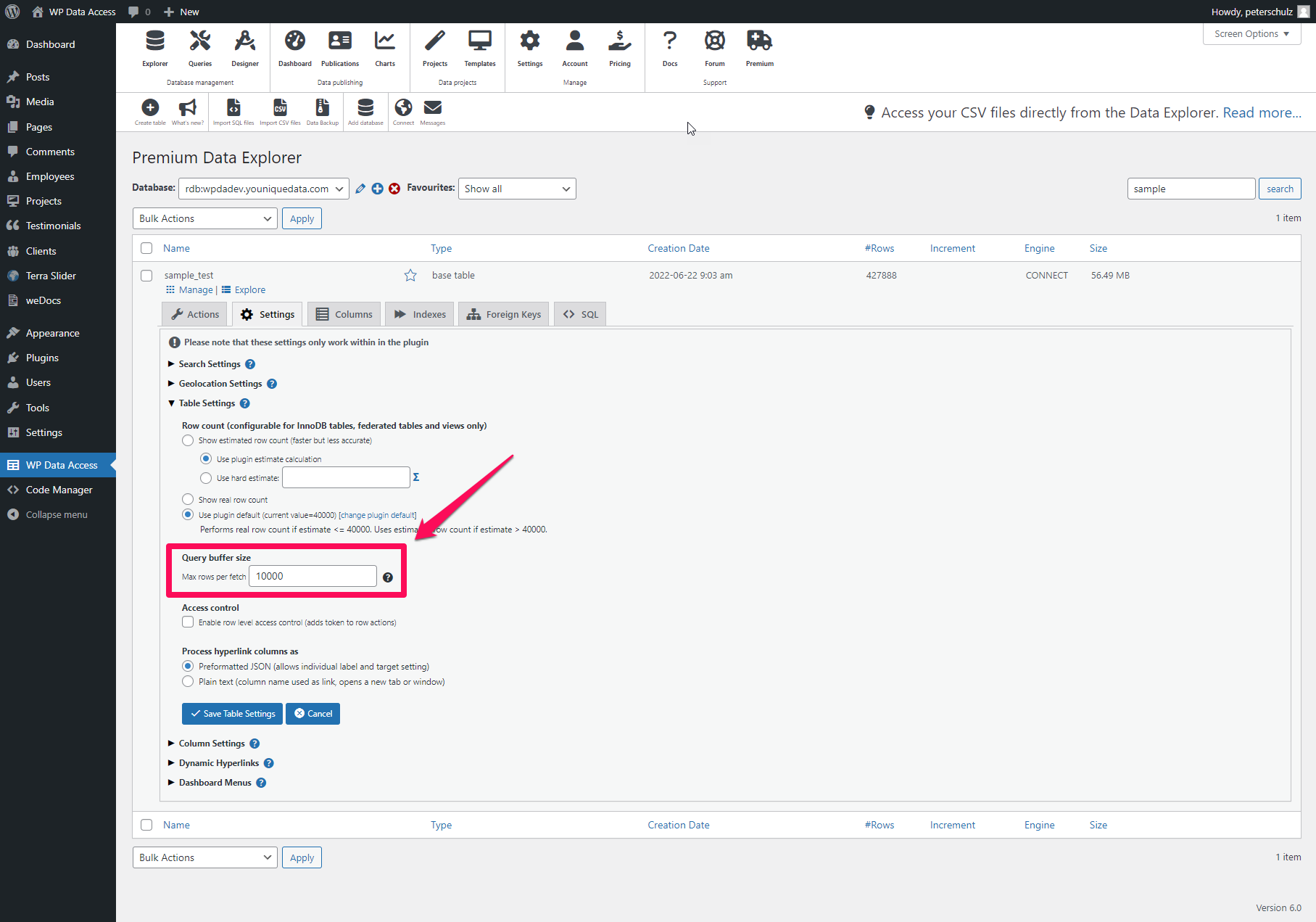
Copying large tables can sometimes result in exhausted memory errors. If you encounter this error, please try increasing the query buffer size.